


The xBloom machine brings the art of specialty coffee brewing to the comfort of your home. With its innovative design and advanced technology, it simplifies the pour-over process while maintaining the quality and nuances of a barista-crafted cup. Here’s a detailed guide to help you master the xBloom machine and elevate your coffee experience.
Step 1: Unboxing and Setup
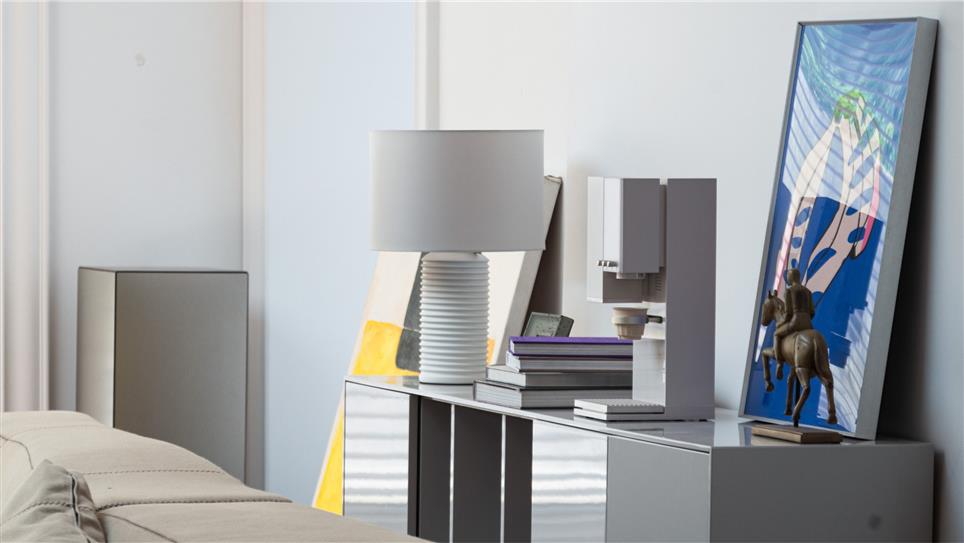
- Unbox Your xBloom: Start by carefully unboxing the machine and its accessories, including the xPods, water tank, and reusable dripper.
- Fill the Water Tank: Remove the water tank, fill it with filtered water, and securely attach it back to the machine.
- Connect to Power: Plug in the machine and turn it on. Follow the on-screen instructions to connect it to Wi-Fi using the xBloom app.
- Update the Firmware: Ensure your machine is running the latest software for optimal performance.
Step 2: Understanding xPods
xPods are whole-bean capsules that include an RFID tag, which the xBloom machine reads to set precise brewing parameters. Each xPod is pre-filled with beans from a partnered specialty roaster, ensuring freshness and quality.
- How It Works: The RFID tag contains information on grind size, water temperature, and brewing time tailored to the specific beans.
- Choosing Your xPod: Explore xBloom’s curated collection of roasters to find your preferred flavor profile.
Step 3: Brewing with xPods
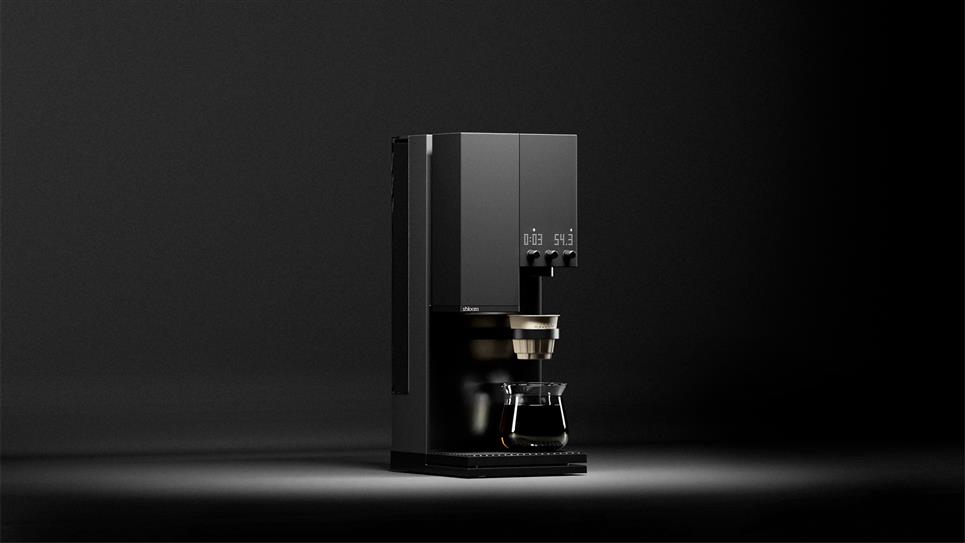
- Insert an xPod: Place the xPod in the designated slot on the machine.
- Start Brewing: The machine will automatically read the RFID tag and adjust the settings. Press the start button to begin the process.
- Enjoy the Aroma: As the beans are ground and brewed, enjoy the rich aroma of freshly made coffee.
- Serve Your Coffee: Once the brewing cycle is complete, remove the cup and savor your perfectly brewed pour-over.
Step 4: Customizing with the Reusable Dripper
For those who prefer experimenting with their own beans, the xBloom machine includes a reusable dripper.
- Prepare Your Beans: Measure and grind your coffee beans to your desired coarseness.
- Load the Dripper: Place a filter in the reusable dripper and add your ground coffee.
- Customize Settings: Use the xBloom app to manually adjust brewing parameters such as grind size, water temperature, and extraction time.
- Brew Your Coffee: Follow the same brewing process as with xPods. The machine will execute your customized settings.
Step 5: Cleaning and Maintenance
- Empty Used xPods: Remove and dispose of used xPods or clean the reusable dripper after each use.
- Clean the Machine: Wipe down the exterior with a damp cloth and descale the machine as needed to prevent mineral buildup.
- Refill the Water Tank: Always use filtered water to maintain the longevity of the machine and enhance coffee flavor.
Pro Tips for Mastering Your Brew
- Experiment with Settings: If using the reusable dripper, try different grind sizes and water ratios to discover your ideal brew.
- Store xPods Properly: Keep xPods in a cool, dry place to preserve freshness.
- Explore Roasters: Take advantage of xBloom’s partnerships with specialty roasters to expand your palate.
The xBloom machine makes specialty coffee accessible to everyone, combining technology and craftsmanship for a seamless brewing experience. By following this guide, you can enjoy barista-quality coffee at home with minimal effort. Whether using xPods or your own beans, the xBloom empowers you to explore and master the art of coffee brewing.