

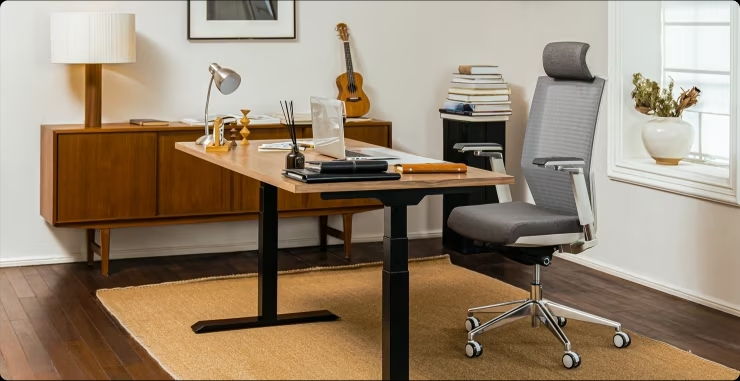
In today’s digital age, where many of us spend countless hours at our desks, the importance of an ergonomic workspace cannot be overstated. FlexiSpot, a leading brand in ergonomic office furniture, offers a range of products designed to enhance comfort, improve productivity, and promote better health. This guide explores how FlexiSpot’s innovative solutions can transform your workspace.
The Importance of Ergonomics
Ergonomics is the science of designing a workspace to fit the user’s needs, aiming to increase efficiency and reduce discomfort. An ergonomic workspace can help prevent common issues such as back pain, neck strain, and repetitive stress injuries, which are prevalent among office workers.
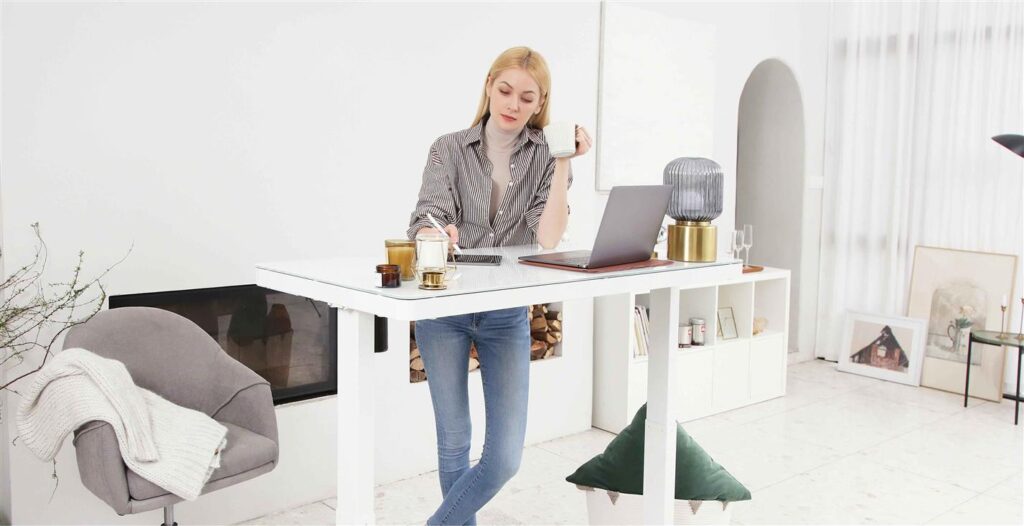
FlexiSpot Standing Desks
One of the most popular products from FlexiSpot is their range of standing desks. These desks allow users to switch between sitting and standing positions throughout the day, promoting better posture and reducing the health risks associated with prolonged sitting. The E7 Pro Standing Desk is particularly notable for its robust construction, dual-motor system, and advanced cable management features.
Benefits of FlexiSpot Standing Desks:
- Improved Posture: Regularly switching between sitting and standing can help maintain a neutral spine position, reducing strain on the back and neck.
- Increased Energy Levels: Standing desks can help boost energy and reduce fatigue, leading to increased productivity.
- Enhanced Focus: Alternating between positions can help maintain mental clarity and focus, preventing the afternoon slump.

Ergonomic Chairs
In addition to standing desks, FlexiSpot offers a variety of ergonomic chairs designed to provide optimal support and comfort. These chairs feature adjustable lumbar support, seat height, and armrests, allowing users to customize their seating position to their specific needs. The FlexiSpot Ergonomic Office Chair OC3B and BS8 models are popular choices, known for their high-density foam padding and breathable mesh backrests.
Key Features of FlexiSpot Ergonomic Chairs:
- Adjustability: Multi-functional adjustments allow for a personalized seating experience, promoting better posture and reducing discomfort.
- Support: High-density foam and lumbar support provide the necessary cushioning and support to prevent back pain.
- Breathability: Mesh backrests ensure proper air circulation, keeping users cool and comfortable.

Accessories and Add-Ons
FlexiSpot also offers a range of accessories to complement their desks and chairs, further enhancing the ergonomic benefits of your workspace. These include monitor arms, keyboard trays, and anti-fatigue mats. Monitor arms, for example, help position your screen at eye level, reducing neck strain and improving posture.
Creating a Healthy Workspace
To maximize the benefits of ergonomic furniture, consider the following tips when setting up your workspace:
- Monitor Height: Ensure your monitor is at eye level to prevent neck strain.
- Desk Height: Adjust your desk so your elbows are at a 90-degree angle when typing.
- Chair Position: Use a chair with proper lumbar support and adjust the seat height so your feet are flat on the floor.